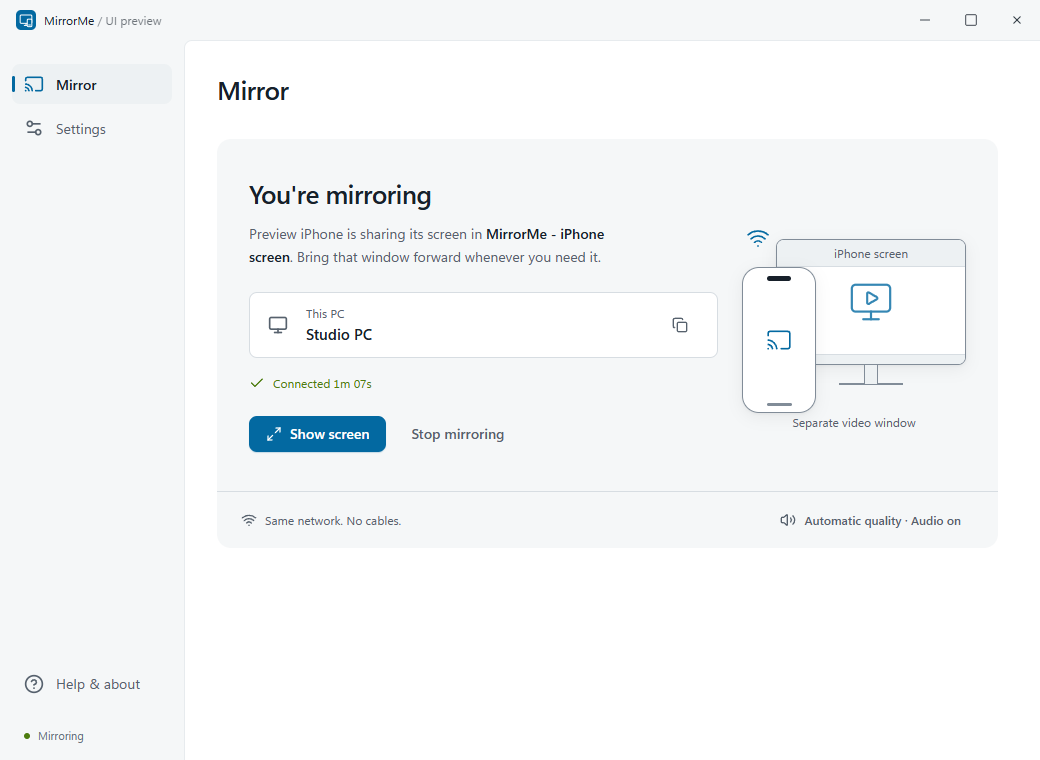
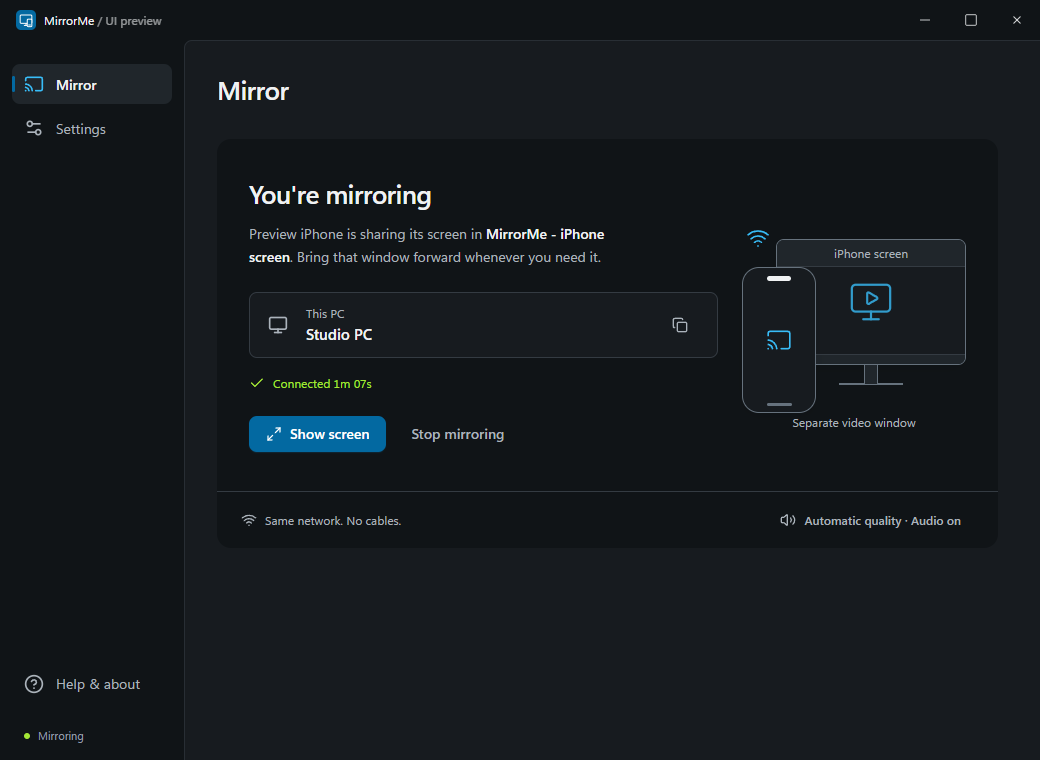
Made for your Windows desktop
Your iPhone.
More room.
Put your iPhone screen on your PC. Share a photo, walk through an app, or simply take a closer look.
Download for WindowsWindows x64 · v0.1.0 preview · Unsigned
One-time receiver setup downloads an additional 113 MB.
Real-iPhone compatibility is still being verified.
Take it for a spin.
Connect, rotate, and make the example your own.
Big ideas.
Small screen.
Edited right here in the demo.One thing at a time.
Ready for your iPhone
Your screen goes here.
Start the demo to see it in action.
Big ideas.
Small screen.
Edited right here in the demo.One thing at a time.
This is a browser simulation, not live AirPlay. No phone, camera, microphone, or account access.
From here to your desktop
A small setup.
Then, a bigger view.
Use the controls you already know on your iPhone. Keep both devices on the same local network.
Read the full guide- 01
Open MirrorMe.
Extract the whole Windows ZIP, open
MirrorMe.exe, and choose a name for your PC. - 02
Get the receiver ready.
Approve the one-time 113 MB receiver download from UxPlay Windows on GitHub. MirrorMe checks it before installing. If Bonjour needs setup, Windows will ask for permission separately.
- 03
Pick your PC on your iPhone.
Open Control Center, tap Screen Mirroring, then choose your PC. The actual video opens in its own Windows window.
Before you download
A few things to know.
How ready is this preview?
The Windows interface, local discovery, runtime setup, and generated-video decoding/display have been checked. Physical-iPhone mirroring, audio synchronization, and device compatibility still need confirmation. This is an unsigned preview, not a certified app-store release.
See the open device checklistWhat stays on my computer?
The app keeps preferences and receiver files locally. Mirroring is designed for your local network, not a cloud relay. This website demo never sends your sample note anywhere. It does not access a real device.
Do I need another app on my iPhone?
No companion iPhone app is required. MirrorMe receives AirPlay screen mirroring through UxPlay. The one-time PC download supplies the media and discovery libraries; the separate UxPlay desktop app is not installed or opened.
Can I mirror everything?
Protected streaming content may block screen mirroring. MirrorMe is a receiver, not remote control of your iPhone. Windows 11 on an x64 PC is the preview target; ARM and every iPhone/iOS combination have not been validated.
Why might Windows show a warning?
The preview is not code-signed. Check the public source and the release's SHA-256 checksums before deciding whether to run it. Do not disable Windows security protections to use this app.
Release files and checksums